> For the complete documentation index, see [llms.txt](https://docs.fractalworks.io/joule/llms.txt). Markdown versions of documentation pages are available by appending `.md` to page URLs; this page is available as [Markdown](https://docs.fractalworks.io/joule/product-updates/release-notes/v1.0.3-contextual-sql-based-metrics.md).
# v1.0.3 Contextual SQL based metrics
Define SQL based metrics to drive advanced use case insights
***
{% hint style="success" %}
Version 1.0.3
{% endhint %}
## Overview
This release brings a number of new features, bug fixes, optimisations and general usability enhancements. The focus of this release has been providing a solid foundation for in-memory SQL support, metrics processing and multi language scripting support.
## Features
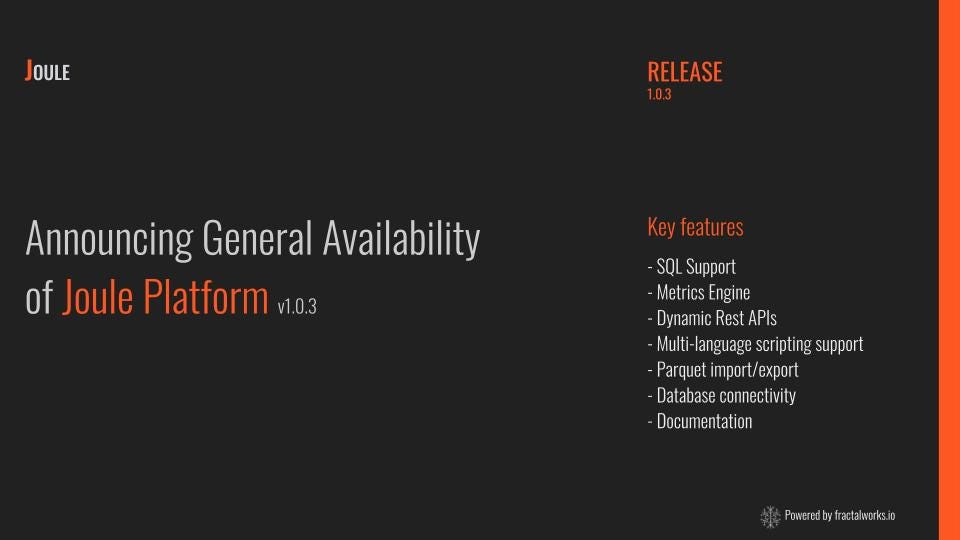
* SQL Support
* Metrics engine
* Dynamic Rest APIs
* Multi-Language scripting support
* Parquet support
* Database publisher
* Documentation
***
## **SQL Support**
Joule ships with an embedded in-memory modern SQL engine, [DuckDB](https://duckdb.org/). This is used to capture events flowing through the processing pipeline along with supporting the metrics engine implementation.
* SQL Tap for event capture and storage
* Metrics Engine to provide SQL analytics
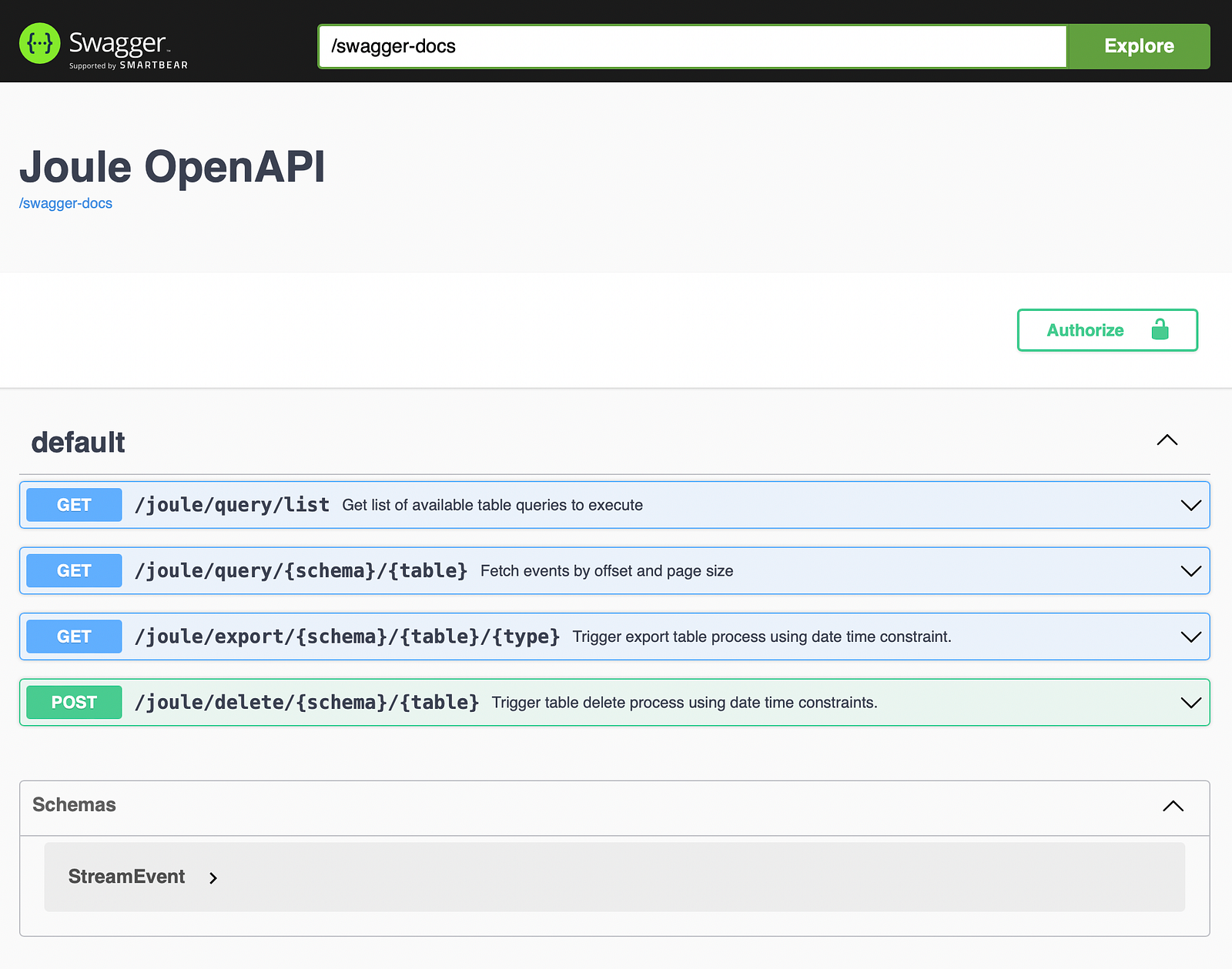
* Rest API provides data access and export functions
## **Metrics Engine**
The metrics engine computes SQL-defined metrics using events stored by the SQL Tap and scheduled using a runtime policy.
```
metrics engine:
runtime policy:
frequency: 1
startup delay: 2
time unit: MINUTES
foreach metric compute:
metrics:
- name: BidMovingAverage
metric key: symbol
table definition: standardQuoteAnalyticsStream.BidMovingAverage
(symbol VARCHAR, avg_bid_min FLOAT,
avg_bid_avg FLOAT,avg_bid_max FLOAT)
query:
SELECT symbol,
MIN(bid) AS 'avg_bid_min',
AVG(bid) AS 'avg_bid_avg',
MAX(bid) AS 'avg_bid_max'
FROM standardQuoteAnalyticsStream.quote
WHERE
ingestTime >= date_trunc('minutes',now() - INTERVAL 2 MINUTES) AND ingestTime <= date_trunc('minutes',now())
GROUP BY symbol
ORDER BY 1;
truncate on start: true
compaction policy:
frequency: 8
time unit: HOURS
```
## **Dynamic Rest APIs**
All SQL tables created by a Joule process are accessible through a well-defined Rest API.
## **Multi-Language scripting support**
Joule provides a flexible scripting processor implemented using [GraalVM](https://www.graalvm.org/22.0/docs/getting-started/). This enables the developer to integrate code written using Python, Node.JS, R, Javascript and Ruby within a streaming context.
## **Parquet import/export**
Data can be stored within the Joule process and can be exported as Parquet files for further analytics use cases. Also, Parquet files can be imported into the Joule process to drive user-defined functionality.
```
initialisation:
sql import:
schema: banking
parquet:
-
table: fxrates
asView: false
files: [ 'fxrates.parquet' ]
drop table: true
index:
fields: [ 'ccy' ]
unique: false
```
## **Database publisher**
Publisher transport persists processed events to a configured SQL database and table. The insert statement is dynamically generated from an event, attribute names and types need to match the table definition.
This feature is an idea for offline analytics, business reporting, dashboards and process testing.
## **Documentation**
Joule is now shipping with online documentation.